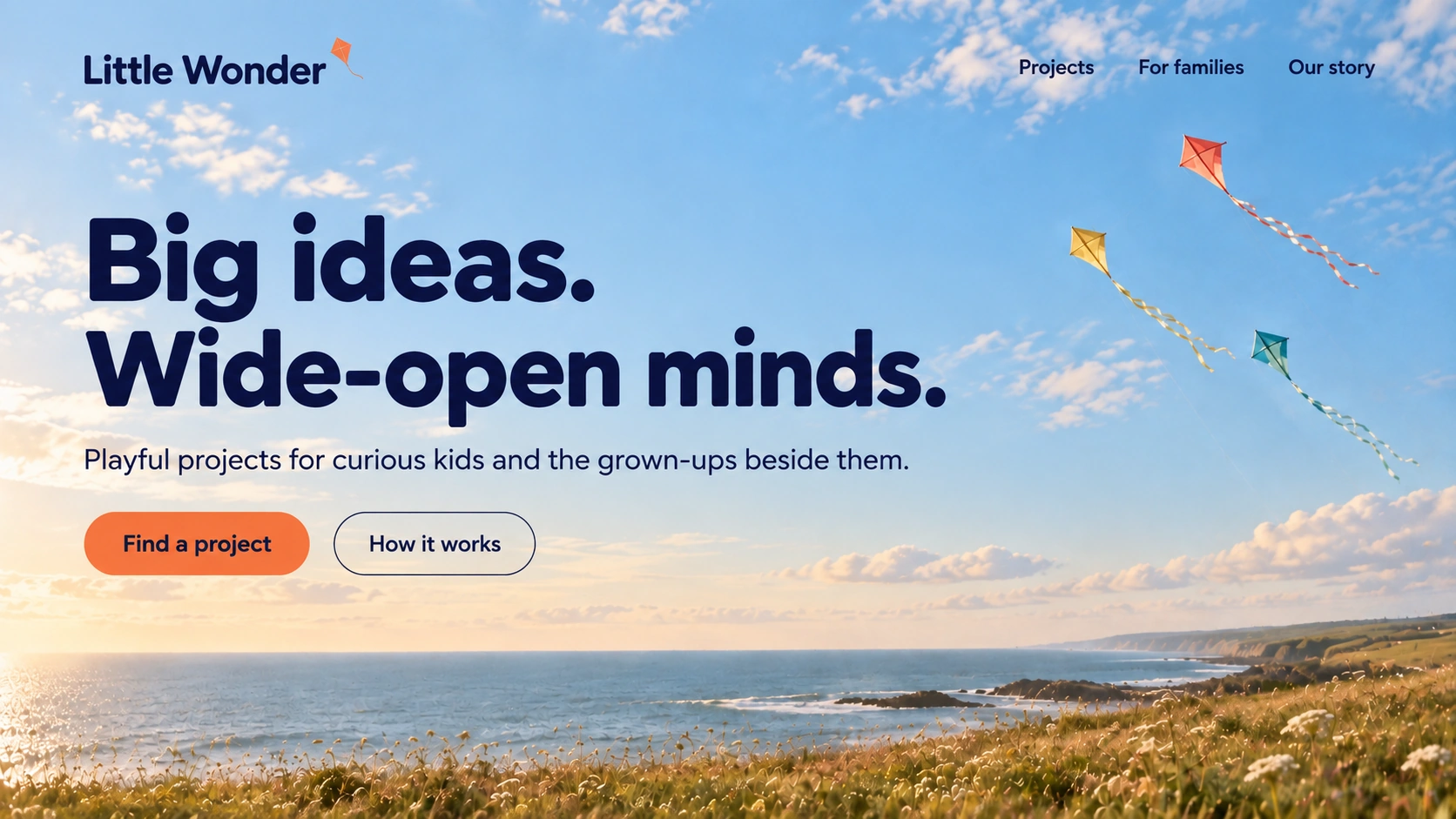
1586 × 992 pxAI-generated
Make it your own
The original prompt
Use case: ui-mockup. Generate ONE new horizontal 16:10 premium desktop website HERO SECTION image. This is a finished raster concept, one straight-on edge-to-edge website screenshot, no browser/device frame, no surrounding presentation, no second section. The attached image is the actual collection background: use it full bleed across the ENTIRE frame, preserve its recognizable subject, texture, palette and medium. Recompose gently if necessary for typography but never put the image inside a card or split the background into solid and image halves. Create a bespoke agency-quality design, precise readable typography and elegant alignment, clear hierarchy, sparse purposeful navigation and a credible CTA. All text comfortably inside 6% margins; avoid minuscule illegible annotations. No placeholder gibberish, dot badges, sparkles, statistics, client logos, UI-card clutter, fake dashboards, decorative gradients or extra smoothing. Fictional brand: "Little Wonder", Creative learning for children. Exact main headline: "Big ideas.
Little people.". Main CTA: "Come out and play". Art direction: Playful intelligently designed children creative studio: giant rounded darkblue type on LEFT in sky; small tilted orange rectangular action, not a UI card. Kites right, grassy horizon bottom. Small wordmark with typographic ligature no invented mascot. 'Workshops  Our story' top. Optimistic cream/darkblue/orange palette, delight through type only.
Original wording. Results vary between generations.
Download .txtKeep exploring
Full collection ↗